Activated a Hamshack Hotline Phone

There is a group of hams that have formed a global PBX called Hamshack Hotline, that allows hams to use VOIP phones to connect to each other.  The service is free (donations are encouraged).

After checking their website, it appeared that a Cisco SPA525G2 was especially easy to provision.  This phone is often available on the used market via eBay.  Prices seem to run from the $30 to $50 range (shop around for sure).  The provisioning process is simple: fill in a service ticket with a copy of your original license and a photo of MAC address of the phone.  The most difficult part was discovering the internal network address assigned by my router.  I expected it to identify it as Cisco, but it didn’t. In my case it began with the letters “spa” (the first three letters of the model name), and was followed by the MAC address.  Within a few minutes I had a desk phone (great speaker phone too) on the Hamshack Hotline network.

A Cisco SPA525G2 connected to Hamshack Hotline (chatting with W2DAN on the speaker phone)

I was surprised to find that Hamshack Hotline can connect to our club’s W1SYE repeater.


Posted in HSHL, VOIP | Leave a comment

Hunted K4NYM 500 Times

During the summer months, Bill Brown K4NYM, wasn’t on nearly as often as before – perhaps avoiding the heat, or dodging the many storms that Florida has endured.  Even so, Bill and I worked each other 500 times.  100 of those contacts were at a single park, Florida Trail US-4559.


Posted in Hunter, POTA | Leave a comment

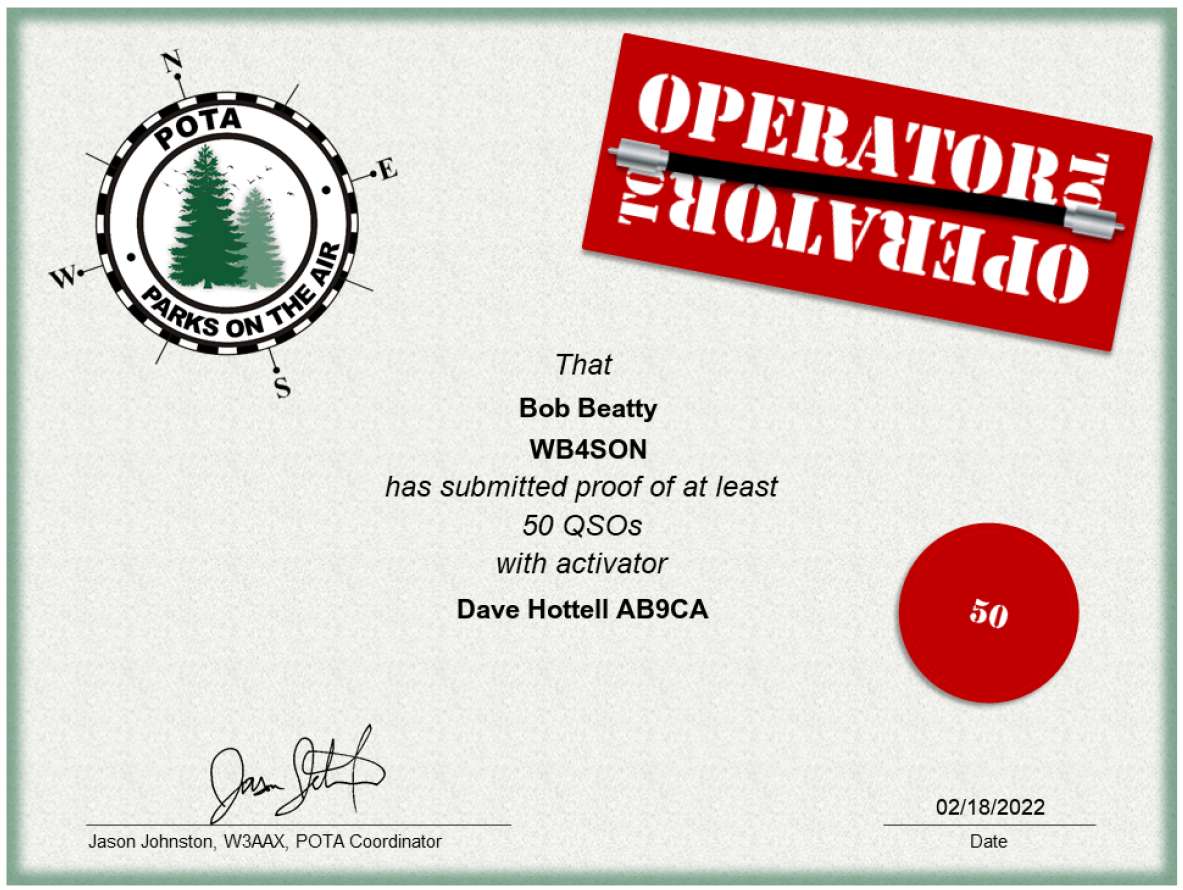
Yet another POTA Award

The Parks on the Air program really works hard to keep folks engaged.  One of the way they do this is by having an unbelievable array of different awards.  About a month ago, I earned my first “Eagles Nest Award”, for working a park in Florida 100 times.  Of course, this is because of Bill Brown K4NYM.  In fact I need to work him 4 more times to have an award for working him 500 times!

Thank you Parks on the Air!!!

Posted in POTA | Leave a comment

Updating MagTag WX for OpenWeatherMap API 3.0

A couple of years ago, I put an Adafruit MagTag Weather display together.  The MagTag was a fairly inexpensive CircuitPython device with an eInk display and built-in WiFi.  It used a free (at that time) service called OpenWeatherMap API

Within the past month, OpenWeatherMap changed their policy and now requires a credit card to validate the API key, but they still don’t charge for up to 1,000 API calls per day.  Their interface allows you to set restrictions on the maximum API calls per day (it defaults to 2,000).  In my case I set it down to 500, so I never have to worry about a software bug causing me to get billed.

The code.py program that Adafruit supplies currently, is out of date, as it uses the API 2.5, which has been replaced by API 3.0.  The change needed to the source file is trivial – simply change the line that has the 2.5 reference to 3.0 and you are all done.  Like this:

URL = “https://api.openweathermap.org/data/3.0/onecall?exclude=minutely,hourly,alerts”

Note: I had edited the original bitmap background image to add my call on the top line.

Posted in Projects, Weather | Leave a comment

N5J Contact on 17m FT8

I’ve been casually looking for N5J on Jarvis Island for the past week or so.  I heard them once on 12m CW early on, and have seen many spots.  Since my operating time has mostly been between local noon and 6 PM, that simply wasn’t an optimal time.

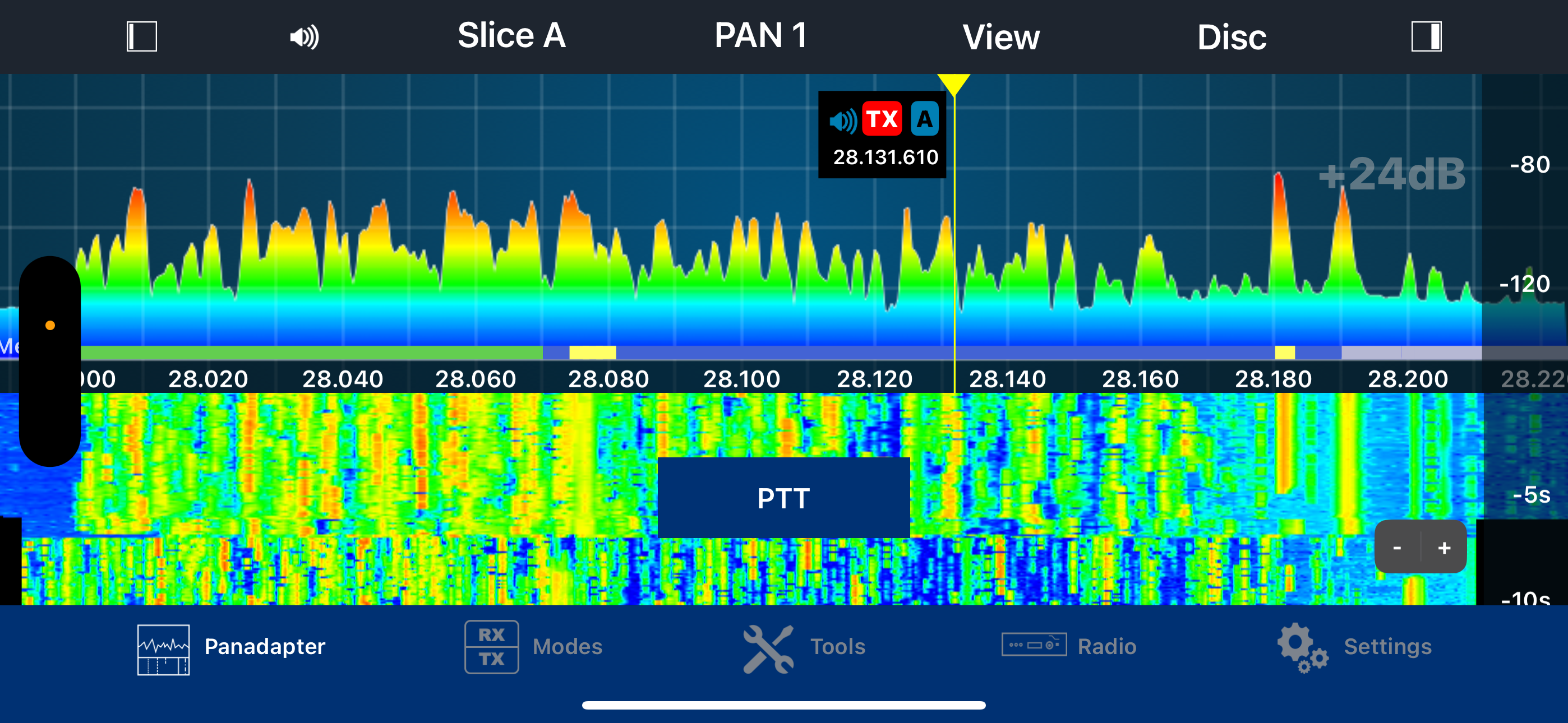
This morning I happened to be awake right around sunrise (about 6 AM local time), and figured grey-line propagation might help.  So I checked the spotting network, and sure enough saw a number of spots on 18.095 FT8.  I didn’t want to wake the house stumbling downstairs to the basement, so I used my phone to connect to my FelxRadio 6600M.  That tiny display certainly wasn’t optimal, but I did see that N5J was on the air and quite strong, so I gave them a call.  A few minutes later, I had an answer

Data screen of SmartSDR on my iPhone showing NJ5 Contact

Waterfall display from SmartSDR showing strong N5J signal at RX frequency, and my TX offset

Solar position showing N5J location. The contact was made 26 minutes after local sunrise

About  10 hours later, N5J uploaded their log, and sure enough my contact was confirmed!  Jarvis happens to be an ATNO (All Time New One) for me. and should bring my DXCC count to 280.

{ED} A couple of days later I worked N5J on 20 and 15m CW.  Never heard them on SSB.

Thanks to the DXpedition for their hard work.  I understand they finished with over 100,000 QSOs, which is outstanding.

Posted in DX, FT8, Propagation | Leave a comment

First FT8 QSOs with QRPLabs QMX Transceiver

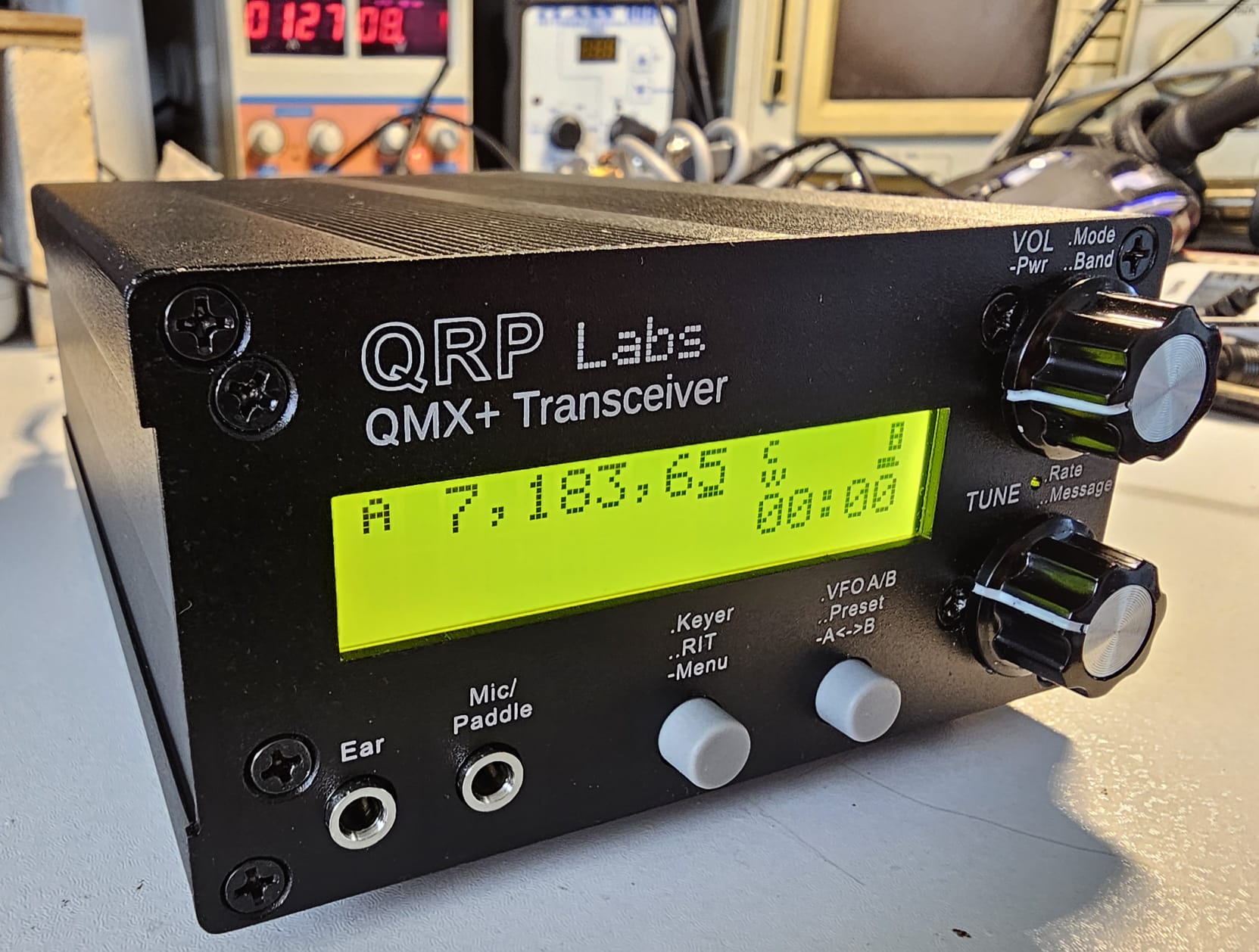
One of my goals for 2024 was an electronics “Wildcard” where I would finish my QDX transceiver kit or some other ham related project.  Today I will mark this one complete, as I finally got my QRPLabs QMX Multimode Transceiver on the air and completed a couple of FT8 contacts.

I did have a few glitches trying to get the rig on the air using WSJT-X (version 2.70 rc6).  The first had to do with the short USB-C cable that came with the kit.  When I tried using that, I received a pop-up message saying the USB device was unrecognized and had failed.  Several folks said they had issues until they changed the USB cable, which I did, and that appeared to work just fine – COM 6 came alive.

The next issue had to do with setting the rig in WSJT-X.  The manual suggested “TS-440”, which was a choice that appeared as “TS-440S”.  However that did not work, and returned a pretty long failure message when I tried to the Test CAT function.  The manual also suggested “TS-480”, which did appear as exactly that (no “S” at the end).  That fixed the issues and WSJT-X was now in control of the QMX.

A few minutes later at 1842 UTC I responded to CQ POTA N0WHA EM91 who was -04, and received a -15 in return.  At 18:48 UTC I responded to CQ POTA N4NR EM64, who was +04.  I did receive a -14 report and a 73 in return.  Both stations confirmed the contacts in their POTA Activator logs.  So the QMX is working.

In the photo below, you can see the QMX attached to an Elecraft T1 QRP Antenna Tuner, and if you look closely you can see a 3dB attenuator installed in line with the QMX.  The QMX lacks a tuner, and if it detects a high SWR, will immediately shut down the transmitter.  This quick response prevents the T1 from being able to do its job.  By inserting a 3dB attenuator, that guarantees no matter what the antenna load, the worst case SWR seen by the QMX is less than 3:1 – a value that no longer cuts out the transmitter.  When the T1 is tuned correctly, the 3dB attenuator can be removed.  If you leave it in, the 5 watt output of the QMX is reduced to 2.5 watts.  3dB of RX attenuation really doesn’t matter on the receive side.

In the photo below, you will see the exchanges with N4NR as well as the waterfall.


Posted in FT8, QMX, QRP, QRP Labs | 1 Comment

Late Shift Hunter Award

There is always some new award to chase in the Parks on the Air program.  This morning, I finally received the Late Shift Hunter award.  This took years for me as I am rarely at the radio in the evenings.  But with the solar conditions causing so much difficulty during the afternoon, I have spent some time hunting after sunset.  As it turns out, that often yields excellent results on 40 and 20 meters.

Posted in Awards, Hunter, POTA | Leave a comment

1500 Unique Parks for POTA

On Sunday, I finally achieved the 1,500 unique park mark for Parks on the Air.  It took me 349 days to go from 1,000 to 1,500 parks. Perhaps getting to 2,000 parks might be a good goal for 2025.

This was also one of my goals for 2024.  My remaining goal for 2024 is the Gold Medal for CWops CWT contests.  I am currently at 95 contests, and need 120 for the gold, so 25 more to go.  I usually do 3 of the 4 contest a week, so I might check that goal off by the end of September.

Posted in Awards, POTA | Leave a comment

POTA Worked All Provinces

A nice surprise showed up yesterday when I worked Ricardo VY2AN who was at a park on Prince Edward Island (stunningly beautiful island).  PEI completed my Worked All Provinces award for POTA.  My thanks to him and all the other Canadian activators!

Posted in Awards, POTA | Leave a comment

Visually Impaired HT Use

A good friend of mine is visually impaired.  We have worked together and he has been successful using a Kenwood TS-590 on HF (it has a strange mix of voice, Morse code, and tone beeps, but you can deal with it), and a desktop VHF rig with channels programmed (he detects channel  1 by a different beep tone, then counts clicks).

I wanted him to have a HT to use.  Sadly there are only a few with voice prompts.  The ubiquitous BaoFeng UV-5R, is one, but it is VERY easy to accidentally stumble into a mode you can’t  recover from if you can’t see.  I had heard that the Wouxun KG-UV9D(Plus) was another capable HT, a bit better designed than the UV-5R, and boasting voice prompts.

Since this is a Type 90 Approved Radio, I figured it would be very simple to program some channels, and disable everything else (commercial users aren’t allowed to adjust things from a keypad).  That task proved difficult as the radio has no obvious way to disable its very frustrating BAND function (half of the display is set to one band and the other half to another).  One can disable the keypad, but you are still left with a VHF on one half and a UHF on the other (or dual VHF if you want), but you can only select channels on one of  them (because the band button is disabled).  That says anything left on the other “unused” half of the display might open the squelch.

I worked around this by programming channel 100 to be 147.985 MHz, setting the power to low, and the squelch to max 9.

The real reason this became an issue, is that the voice prompts only work for a few things, not all of them.  It would be helpful to announce Band A (upper display) or Band B (lower display), or perhaps use a higher beep for A than B, but Wouxun didn’t think that through.

Please, please, please, for the love of everything sacred, radio vendors should spend more than 30 seconds thinking of how a visually impaired user would want to use your radios and realize that no amount of screen prompts will help someone get out of an unwanted situation if they can’t see.  Use voice prompts for everything or at least chose your beep frequencies so someone can hear what is going on.

Posted in Gear | Leave a comment